

Getting started on 1M Game is quick and secure. Follow these simple steps to create an account and log in.
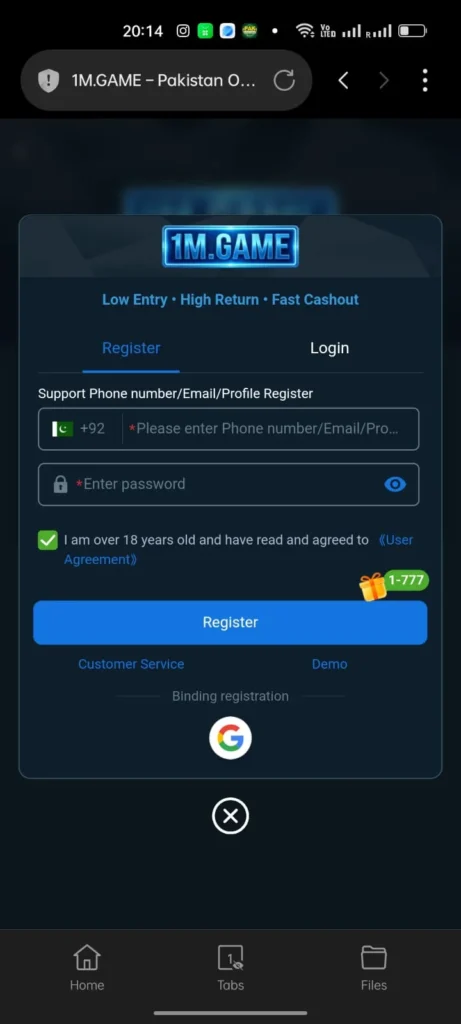
| Step | What to Do |
|---|---|
| 1. Visit the site | Open your browser and go to the official 1M Game site (check app links or trusted sources for the latest URL). |
| 2. Click Register | Tap the “Sign Up” or “Register” button on the homepage. |
| 3. Enter phone number | Add your Pakistani mobile number (start with +92). |
| 4. Receive OTP | Wait for the one-time password via SMS. |
| 5. Verify OTP | Type the code to confirm your number. |
| 6. Set password | Create a strong password (mix letters, numbers). |
| 7. Add referral code | Enter any invite code for extra welcome bonus (optional but recommended). |
| 8. Agree to terms | Check the box for privacy policy and rules. |
| 9. Complete registration | Tap “Register” to finish. |
| 10. Login | Use your phone number and password to sign in. |
| 11. Claim bonus | After login, grab the first deposit or daily check-in reward right away. |