
Downloading 1M Game gives you full access to bonuses and smooth play on your Android phone. Here’s the super easy way:
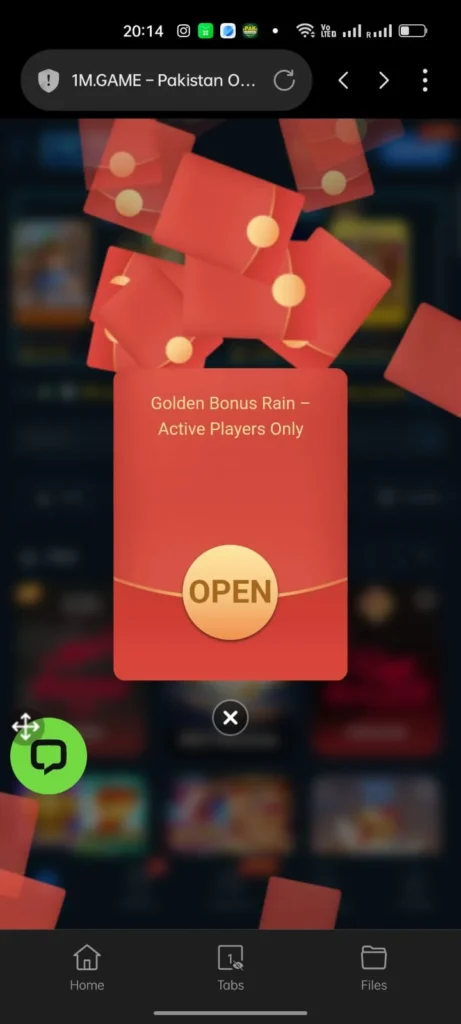
- Open your mobile browser and search for the official 1M Game download link (avoid random sites for safety).
- Tap the “Download APK” button on the trusted page.
- If asked, allow “Install from unknown sources” in your phone settings (go to Security > Install unknown apps > Browser > Allow).
- Wait for the APK file to finish downloading (it takes seconds on good networks).
- Open the downloaded file from your notifications or Downloads folder.
- Tap “Install” and follow on-screen prompts.
- Once installed, open the app icon on your home screen.
- Register or log in as above.
- Enable notifications for bonus alerts and updates.
- Claim your welcome bonus immediately after opening.
- Start exploring games and features right away.
- Update the app regularly from the same source for new rewards.